Adobe Creative Cloud: Self-Study
Access Photoshop, Audition, InDesign, and More!
Tuesday, September 24
11:00am - 1:00pm
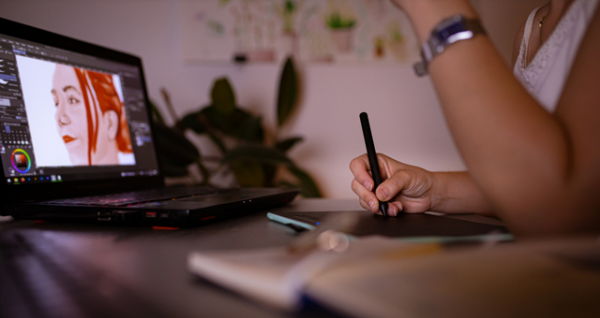
This is NOT a structured class—NO instructors and NO scheduled lessons. Join this open-access session to use Adobe software like Photoshop, Audition, InDesign, and more! You can follow Adobe’s beginner tutorials or work on your own projects. Check the description for preparation details.
How to prepare for this session:
- Create an Adobe ID. To access the Adobe Creative Cloud you will need an Adobe ID. Create a free account. You will need access to the phone number or email associated with your Adobe ID account during this session to complete a Two-Factor Authentication process.
- Bring Headphones. Headphones are required for the video or narrated tutorials. You may bring your own or purchase a pair for $2 from the library.
Available Adobe Apps:
The library's training computers allows access to the Adobe Creative Cloud but the computers are configured for training and may not be able to support large projects, such as video or large audio files. Adobe Creative Cloud includes the following apps:
- Photoshop
- Illustrator
- Acrobat Pro
- Premiere Pro
- After Effects
- InDesign
- Adobe Express
- Audition
- Animate
AGE GROUP: | Educators | Adults |
EVENT TYPE: | Computer/Technology |
TAGS: | Tech Learning Team | Digital Creativity | Computer/Technology | Arts & Crafts |
Central Library
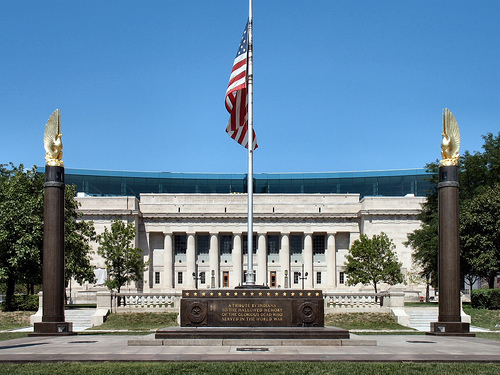
As the hub of the Indianapolis Public Library system, Central Library showcases renowned architecture and services. The original 1917 building, designed by Paul Cret and constructed of Indiana limestone in the Greek Doric style, was considered one of the most outstanding secular buildings in the U.S. Its six-story glass and steel-framed addition, designed by Evans Woollen, opened in 2007.