Register 10 Seats Remaining
Learn the basics of Gmail. We’ll cover smart tips for email safety, managing spam, and protecting your personal information. You’ll also discover easy ways to declutter your inbox to feel in control of your digital communications.
Whether you’re new to Gmail or looking to sharpen your skills, this class will give you the tools to take control of your inbox and communicate in the digital world. By the end, you’ll feel confident navigating Gmail, managing messages, and using its features to stay organized in your daily life. Once we cover the essentials, we will discuss when to reply, reply all, bcc, and cc in your emails. We also guide you through how to more quickly find and organize your mail.
You will learn to:
Send and receive mail
Compose, send, and organize emails with ease
Utilize filters, favorites, and labels to declutter your inbox
Attach files, photos, and documents securely
Schedule emails
A google account is required for participation in this class.
This program is made possible by the Indianapolis Public Library Foundation.
AGE GROUP: | Seniors | Adults |
EVENT TYPE: | Computer/Technology | Class/Workshop |
TAGS: | Tech Skills | Tech Learning Team | Email Basics | Email | Digital Literacy | Computer/Technology | Computer classes | Computer Basics | Computer / Technology | Adults | Adult | #tech | #google | #computer skills |
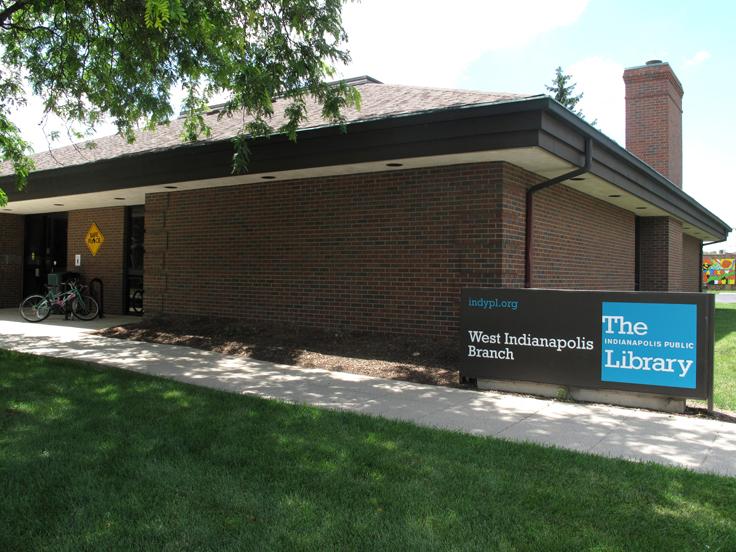
The first West Indianapolis Branch opened in 1897, following the annexation of West Indianapolis into the city of Indianapolis. A new building on West Morris Street, constructed with funds from a $120,000 grant by the Andrew Carnegie Foundation, opened in 1912 and served the community until 1986, when the current 5,000-square-foot branch began service on South Kappes Street.